Design Principles
Four Principles. Every Decision Traced Back To Them.
01
Keep Everyone Engaged
02
Make Collaboration Dynamic
03
Make Classrooms Transparent
04
Easy Setup, Zero Maintenance
Hybrid Learning Platform
Most classroom tools are built without real educational context — complex, maintenance-heavy, and disconnected from what teachers actually need mid-lesson. ClassSpaces was built to make hybrid learning work intuitively, for every platform, for every type of classroom.
Background
Modern classrooms are hybrid environments — students may be present physically, joining remotely, or switching between both. Technology has the potential to make these environments dynamic and equitable. In reality, most tooling is complex, requires ongoing IT maintenance, and fails to map to the actual flow of a lesson.
FileWave commissioned ClassSpaces to fill this gap: a product designed from the ground up for teachers and students — not for IT departments. The brief was simple but demanding: make it powerful enough for real classroom management, and simple enough to set up in under five minutes.
Design Principles
01
Keep Everyone Engaged
02
Make Collaboration Dynamic
03
Make Classrooms Transparent
04
Easy Setup, Zero Maintenance
60 schools. 70,000 students.
Within weeks of launch.
Design Process
01
Problem Framing & Discovery
Ran discovery workshops with teachers, students, and IT administrators to surface the true pain points of hybrid classroom management. Mapped detailed user journeys for each persona group, exposing moments of failure in existing tools — specifically around engagement, transparency, and the friction of lesson-time setup.
02
Experience Design
Designed the full product experience across iPad OS, Chrome OS, macOS, and Windows — creating interfaces that felt native to each platform's conventions while maintaining a unified interaction model. All flows were designed to be operable mid-lesson, without interrupting the learning environment.
03
Corporate Design & Brand Identity
Created comprehensive brand and communication guidelines enabling every FileWave employee to produce consistent ClassSpaces materials. Guidelines covered product UI, marketing, website, and conference assets — all unified under a single, purposeful visual language that positioned ClassSpaces as a premium, trust-worthy product in the crowded EdTech market.
04
Conference Launch — Bett 2022
Collaborated with the Marketing team to design the ClassSpaces website and conference presence for Bett 2022 — the world's largest EdTech event, held in London. The booth experience was carefully orchestrated to demonstrate the product's core value in a live classroom simulation, attracting significant attention and driving immediate post-event adoption.
Contributions
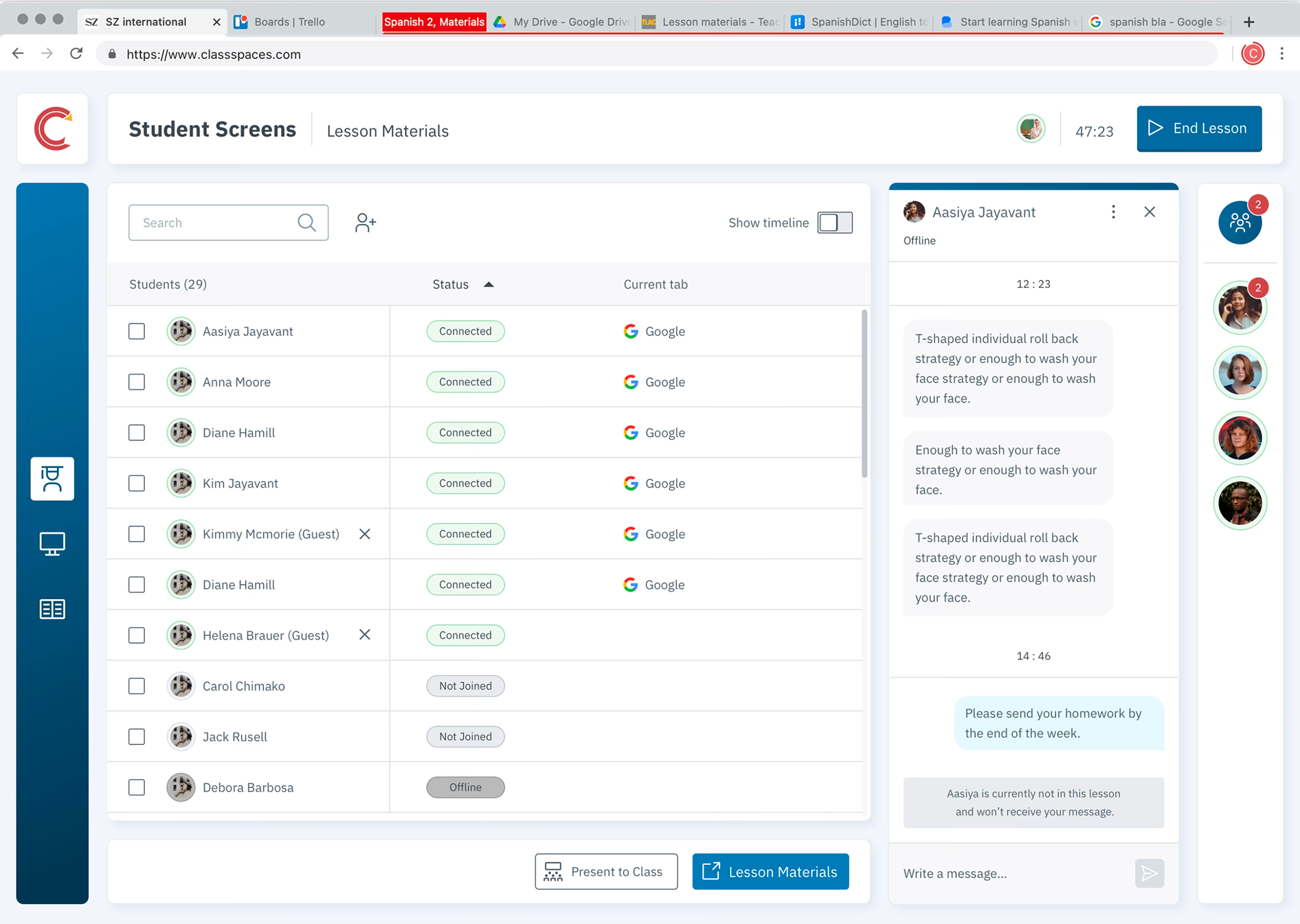
Product UI across all four platforms — iPad OS, Chrome OS, macOS, and Windows
Brand Identity
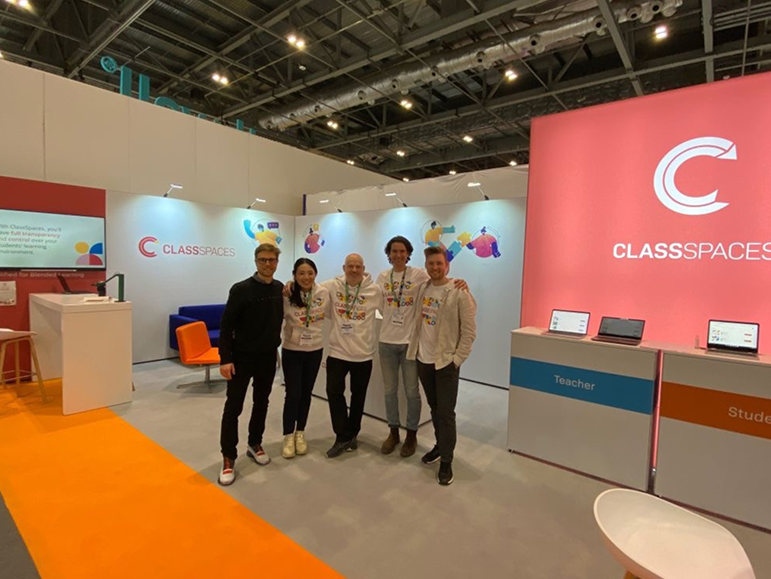
Conference
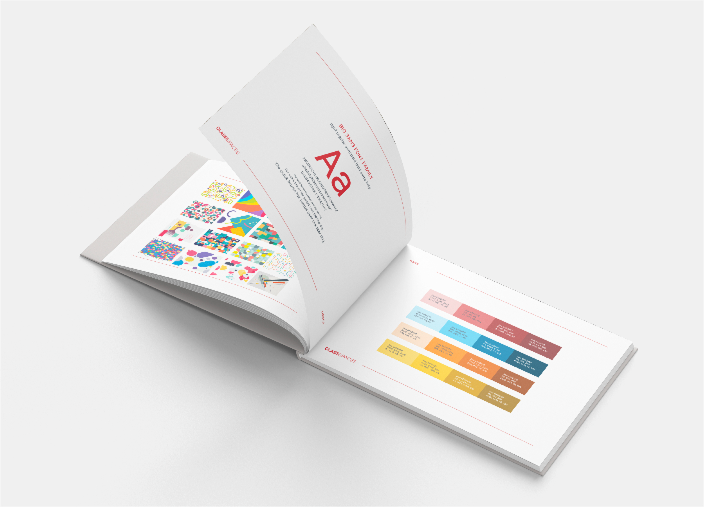
Design System

App Icon
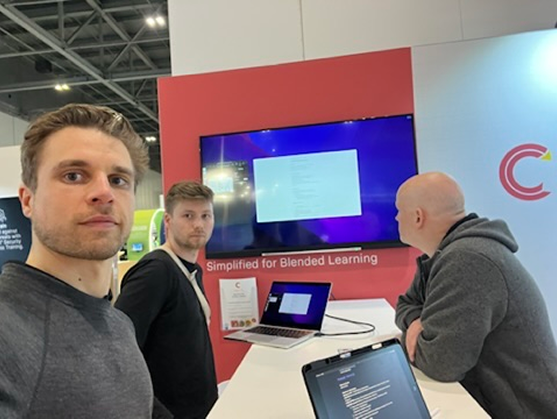
Booth Experience
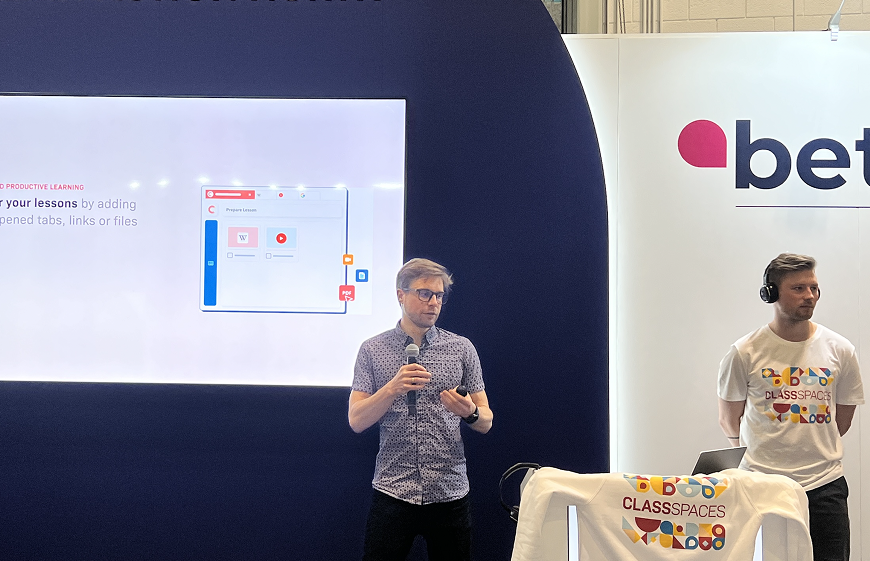
Live Demo
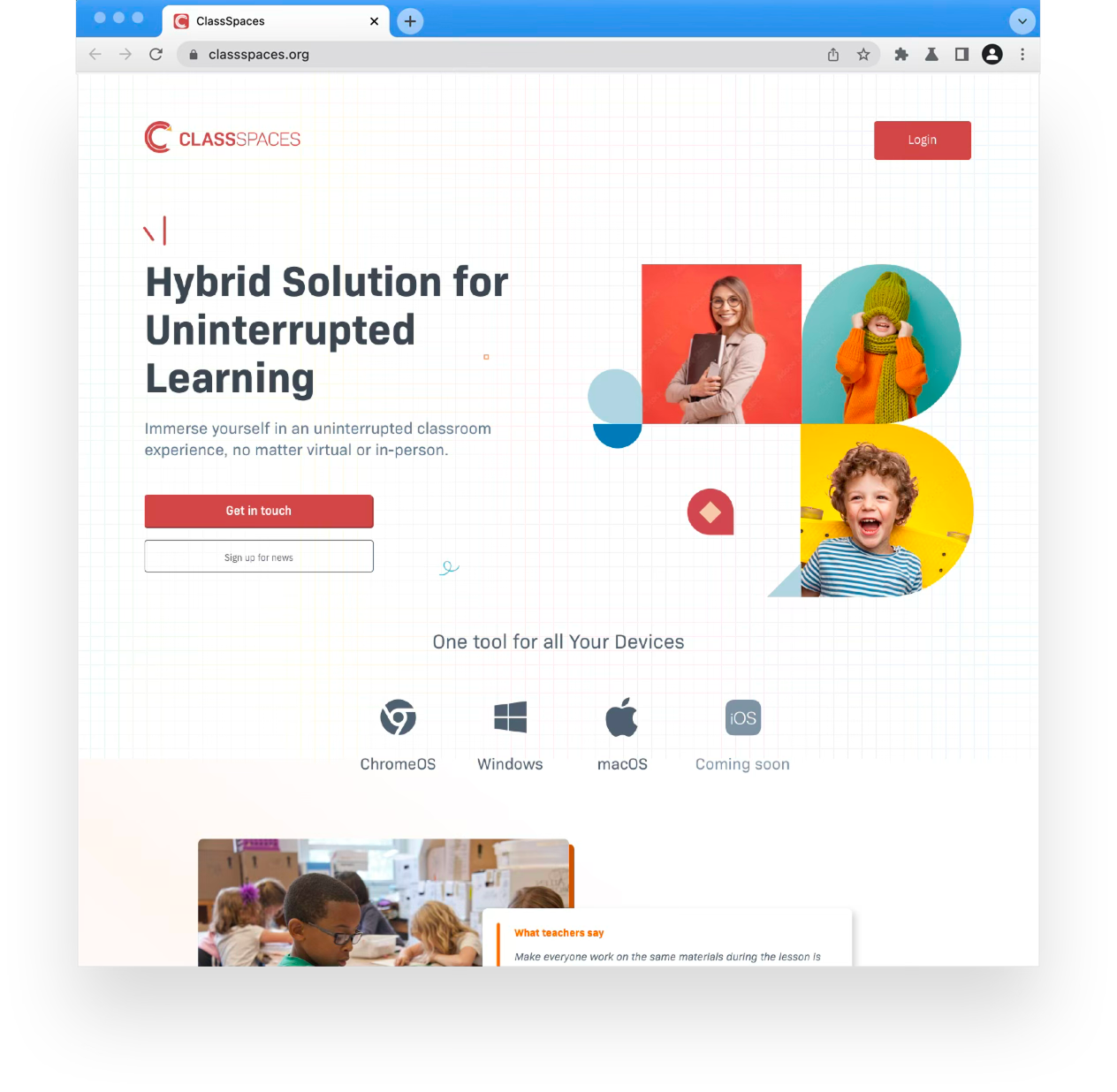
Website Design
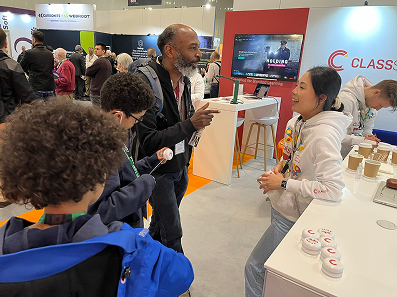
Visitor Engagement
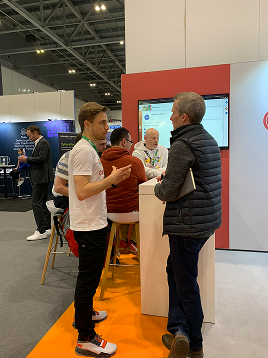
Marketing
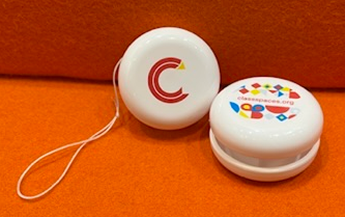
Brand Merch
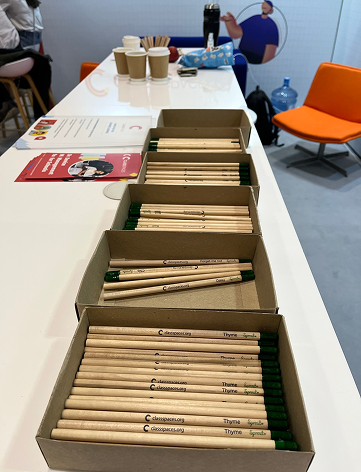
Conference Materials
Outcomes & Impact
Schools
60
Schools actively using ClassSpaces shortly after launch — across multiple countries and education systems.
Students Reached
70,000+
Students learning in ClassSpaces-powered hybrid classrooms within weeks of the product going live.
Platforms Shipped
4
iPad OS, Chrome OS, macOS, and Windows — all designed natively and shipped simultaneously at launch.
ClassSpaces is the project that showed me what it means to design for experts who have no patience for bad design. Teachers are under constant pressure — no time to learn a new tool mid-lesson, no tolerance for friction, no margin for failure. Every interaction had to earn its place.
The numbers — 60 schools, 70,000 students — arrived fast. That speed wasn't luck. It was the result of research done properly, four design principles followed rigorously, and a conference booth that let teachers experience the product rather than just hear about it.